×

扫码关注【爱吃馍】
获取最新脚本和技术支持!
关注公众号,获取最新地址

Simple Dark Theme style for any website which you can configure per-site


Browser userscript (extension) to apply a simple Dark Theme style for any website which you can configure per-site.
Or a developer tool to create dark themes for websites using custom css and js in per-site script settings.

(sometimes it happens when the site loads in white and then it lags and then the script turns it dark)
that is because userscripts are loaded in "lazy mode" asynchroniously by default, to guarantee that they are loaded exactly when expected - go to TamperMonkey's dashboard -> settings -> Content Script API: dynamic
Userscript works well on simplemistic website designs with little color gradients and lack of shades used, because it makes all backgrounds into one background color and all text colors into one text color.
Moreover not all website designs are competently done and might (and likely would) contain broken elements which would require hammering them out with your CSS (web style programming) knowledge. Or you could just look for a ready-to-use userstyle for that specific website on userstyles.org or in google with "website.com dark theme script" search and not bother.
There is no such thing as magic
However simple one-click dark theme applicator (or a handy tool to craft dark themes - I noticed I was using the same CSS dark style for quite a lot of websites and decided to make this universal one instead) would be enough in many cases.
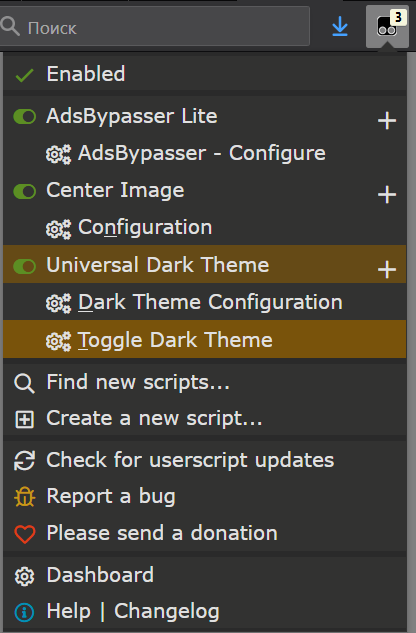
Is some website broken ? (especially if you use high-contrast windows theme) - no problem, just one click and:


see, inspected element there has `bell` class, so you just enter it as `.bell` (class "bell") into excludes list of the script config - OR \ AND - you could try enabling "keep background images" option for that website before and see if it'd unhide what you want (or even more than that so it'd look ugly :D - test yourself)
- to use just custom CSS \ JS on a site without changing any colors - just add `*` (asterix) into excludes to exclude literally everything
- to get the green dark theme you have seen on the screen above - just use those color codes shown on the screenshot above :-)
- or use a cool golden one from this old screenshot below:
Just make sure there is enough contrast between the text and background colors,
it should be at least 7:1 to read normal-sized text comfortably according to WCAG Level AAA standard, use this online checker: https://webaim.org/resources/contrastchecker/
