×

扫码关注【爱吃馍】
获取最新脚本和技术支持!
关注公众号,获取最新地址

Greasy Fork is available in English.
Dit script zal GitHub De indieningsinformatie op HTML weergave,om de details van de indiening duidelijker te zien。De informatielijst wordt automatisch verzonden、De commit-header en de laatste commit-informatie worden geconverteerd naar HTML Formaat,Zorg voor betere visuele effecten en gebruikerservaring。
Per

「 This script will GitHub The submission information on HTML view,to see submission details more clearly。It will automatically submit the information list、The commit header and latest commit information are converted to HTML Format,Provide better visual effects and user experience。 」

Download:Github | ⭐Greasy Fork
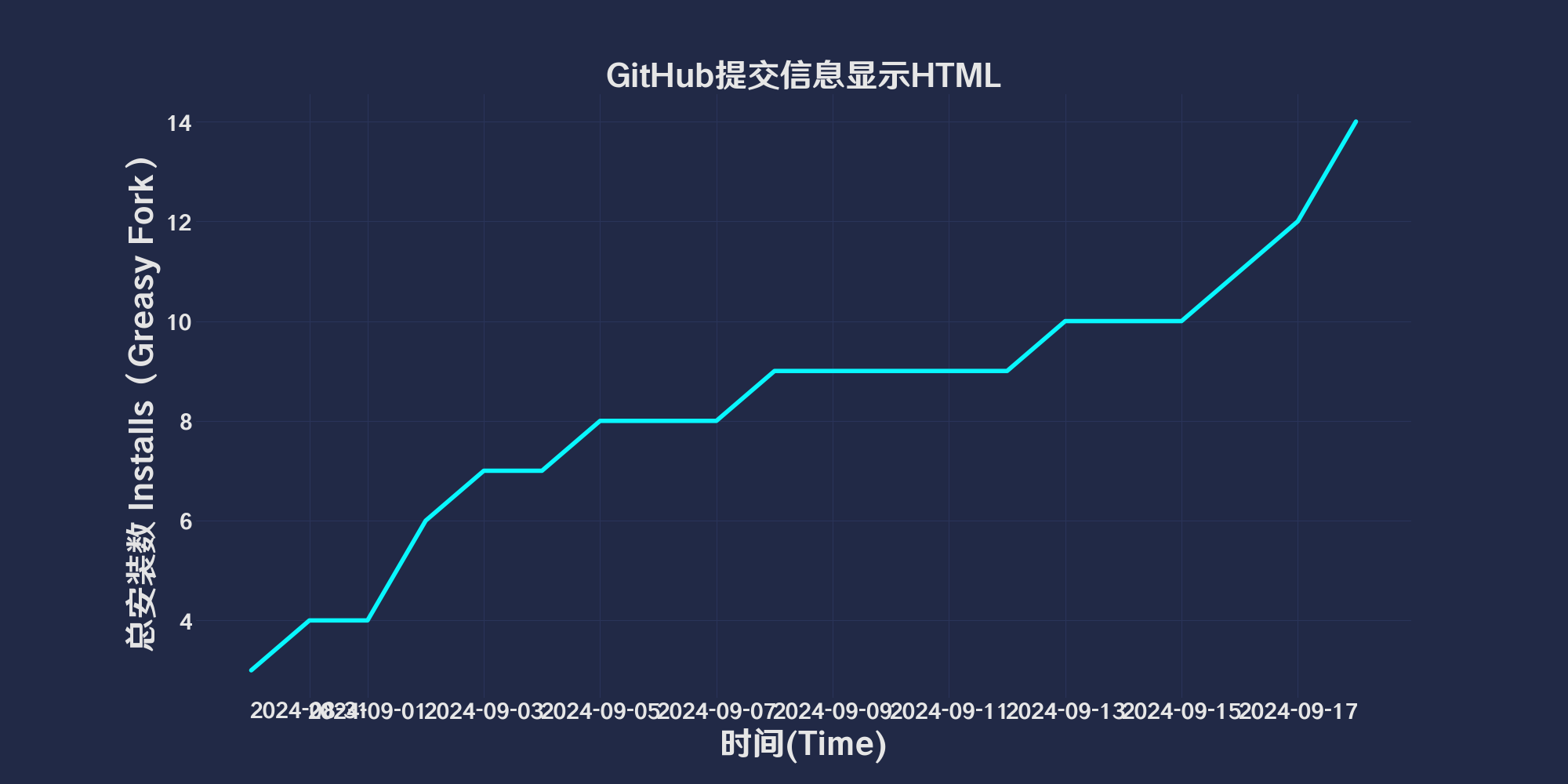
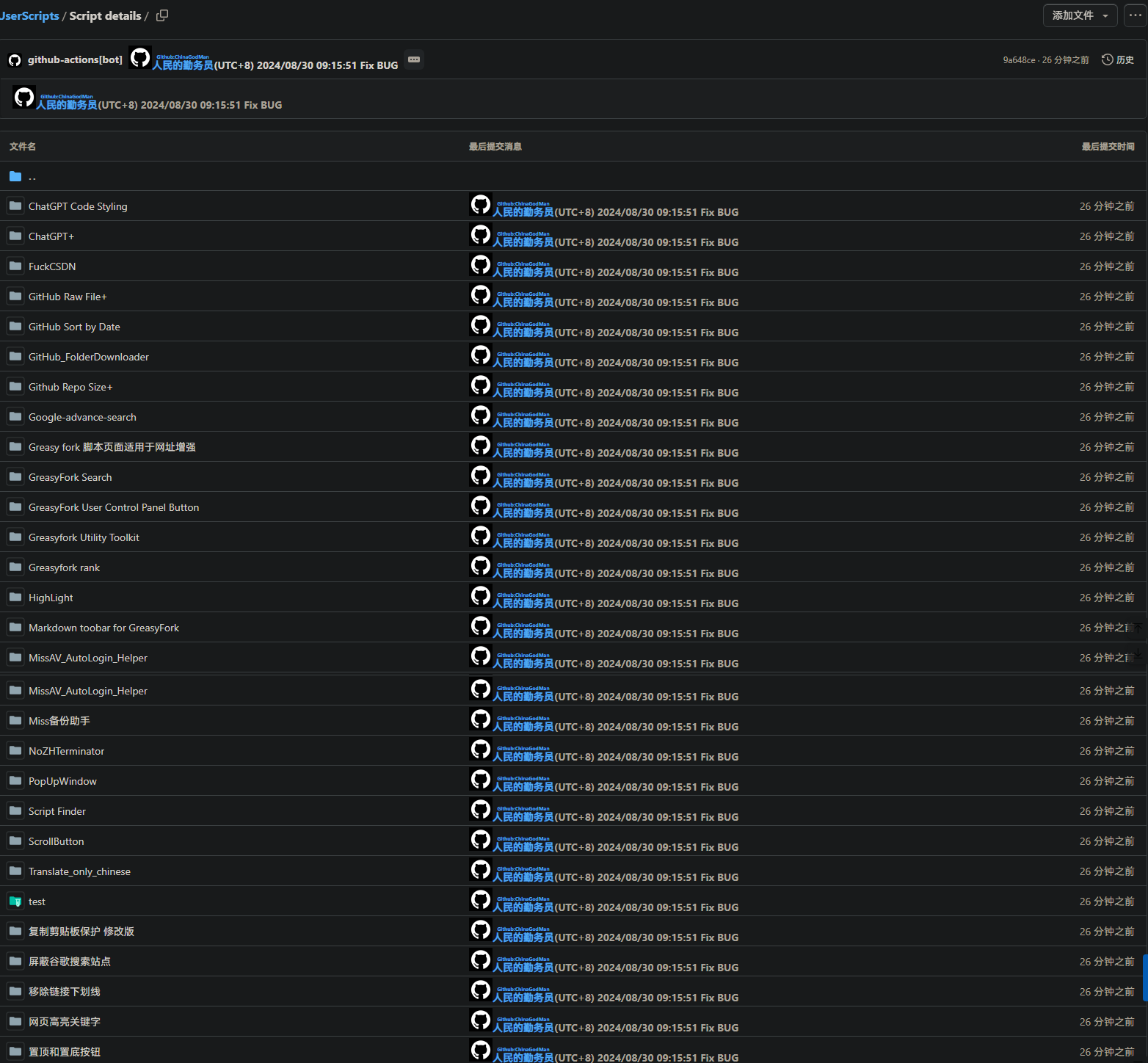
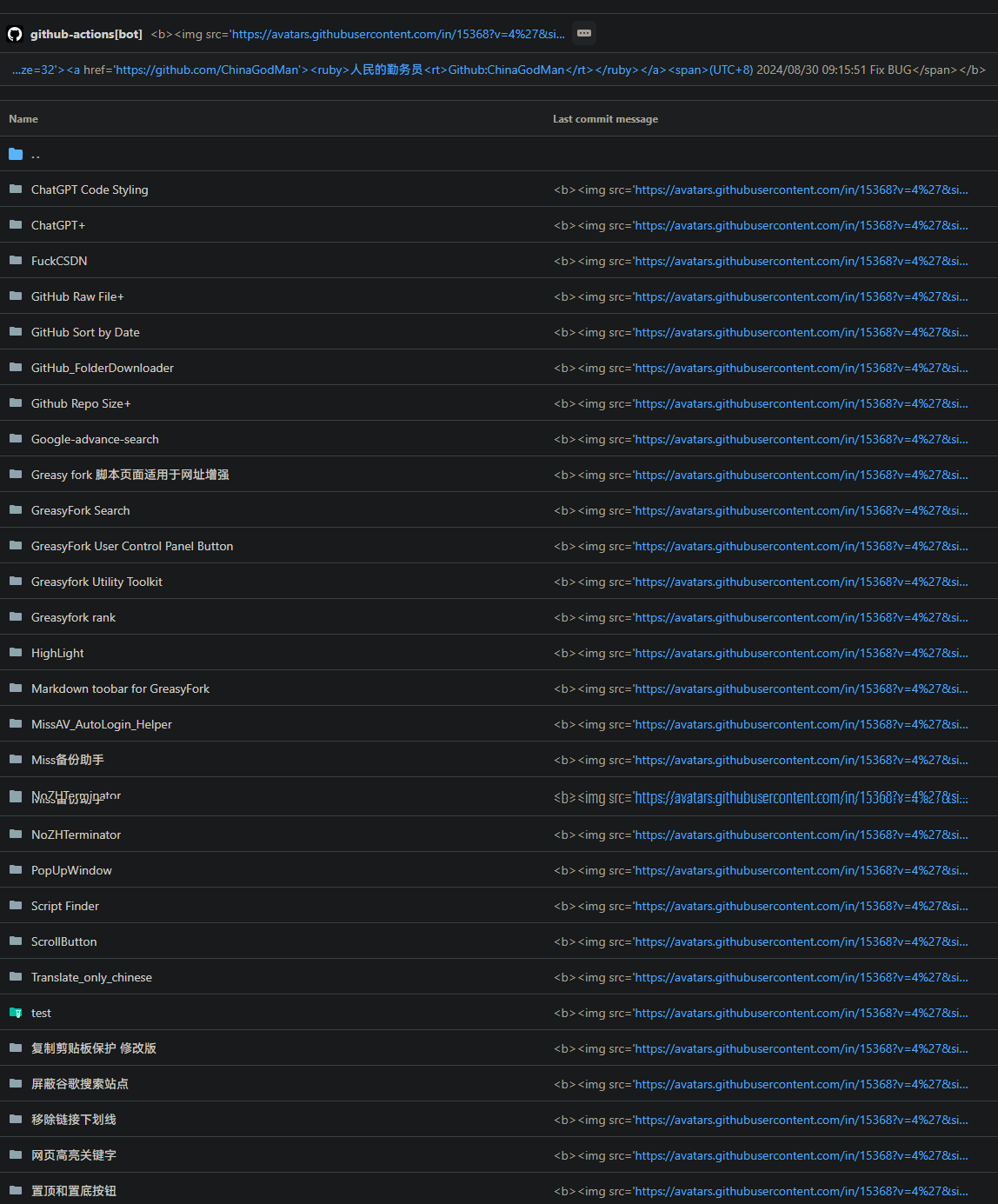
GitHub CommitMessage Html View is a user script designed to convert commit messages on GitHub into HTML views, providing clearer commit details. This script automatically transforms commit message lists, commit headers, and the latest commit information into HTML format to enhance visual appeal and user experience, and can be used in conjunction with Git.
Clickqinwuyuan.ps1 to download the PowerShell script.
param (
[string]$qinwuyuan_messageFilePath
)
$qinwuyuan_scriptPath = $PSScriptRoot
$qinwuyuan_rootDrive1 = [System.IO.Path]::GetPathRoot($qinwuyuan_scriptPath).TrimEnd('\')
if (-not $qinwuyuan_messageFilePath) {
$qinwuyuan_messageFilePath = "$qinwuyuan_rootDrive1\path\to\change\commit.txt"
}
$qinwuyuan_oldCommitFilePath = "$qinwuyuan_scriptPath\oldcommit.txt"
if (-not (Test-Path $qinwuyuan_messageFilePath)) {
exit 1
}
if (-not (Test-Path .git)) {
exit 1
}
$qinwuyuan_newCommitMessage = Get-Content $qinwuyuan_messageFilePath -Raw
$qinwuyuan_oldCommitMessage = if (Test-Path $qinwuyuan_oldCommitFilePath) {
Get-Content $qinwuyuan_oldCommitFilePath -Raw
} else {
""
}
if ($qinwuyuan_newCommitMessage -eq $qinwuyuan_oldCommitMessage) {
$qinwuyuan_currentDateTime = Get-Date -Format "yyyy/M/d HH:mm:ss"
$qinwuyuan_commitMessage = @"
https://avatars.githubusercontent.com/u/96548841?v=4&size=32">
https://github.com/ChinaGodMan">
peoplecivilofdiligentservicemember
(UTC+8) $qinwuyuan_currentDateTime
"@
} else {
$qinwuyuan_currentDateTime = Get-Date -Format "yyyy/M/d HH:mm:ss"
$qinwuyuan_commitMessage = $qinwuyuan_newCommitMessage -replace '\$qinwuyuan_currentDateTime', $qinwuyuan_currentDateTime
}
$qinwuyuan_currentBranch = git rev-parse --abbrev-ref HEAD
if ($LASTEXITCODE -ne 0) {
exit 1
}
git add .
git commit -m $qinwuyuan_commitMessage
if ($LASTEXITCODE -ne 0) {
exit 1
}
git push origin $qinwuyuan_currentBranch --force
if ($LASTEXITCODE -ne 0) {
exit 1
}
Copy-Item -Path $qinwuyuan_messageFilePath -Destination $qinwuyuan_oldCommitFilePath -Force
This script is licensed under the MIT License.
After:
 Before:
you may be looking for⬇️GitHubRelated scripts
- GitHubSubmit information displayHTML: This script will GitHub The submission information on HTML view,to see submission details more clearly。It will automatically submit the information list、The commit header and latest commit information are converted to HTML Format,Provide better visual effects and user experience。
- GitHub File list beautifier: GitHub File List Beautifier is a user script,used to enhance GitHub Display effect of files in warehouse。It can add colors to files and folders,and replace the file type icons with small images,Makes the code base easier to browse and manage。
- GitHubfolder下载: Add a download button,Allows easy downloading of specific GitHub 文件夹。
- GitHubDownload single files and copy filesURL: Add button at the end of each file line,to copy the original file URL and download files
- githubShow warehouse size: existGithubShow warehouse size when viewing and searching warehouses
- GitHub Sort by Date: Change the sorting method of warehouse list files to descending date order,Conveniently view the latest updated files。
Recommended browsers and script managers:


